Keep client knowledge with the team that needs it
Consulting and accounting work depends on context: what the client agreed to, which firm guidance applies, and what the team learned during earlier work. Keep that knowledge findable and governed, instead of making the next colleague rebuild it from scattered files.
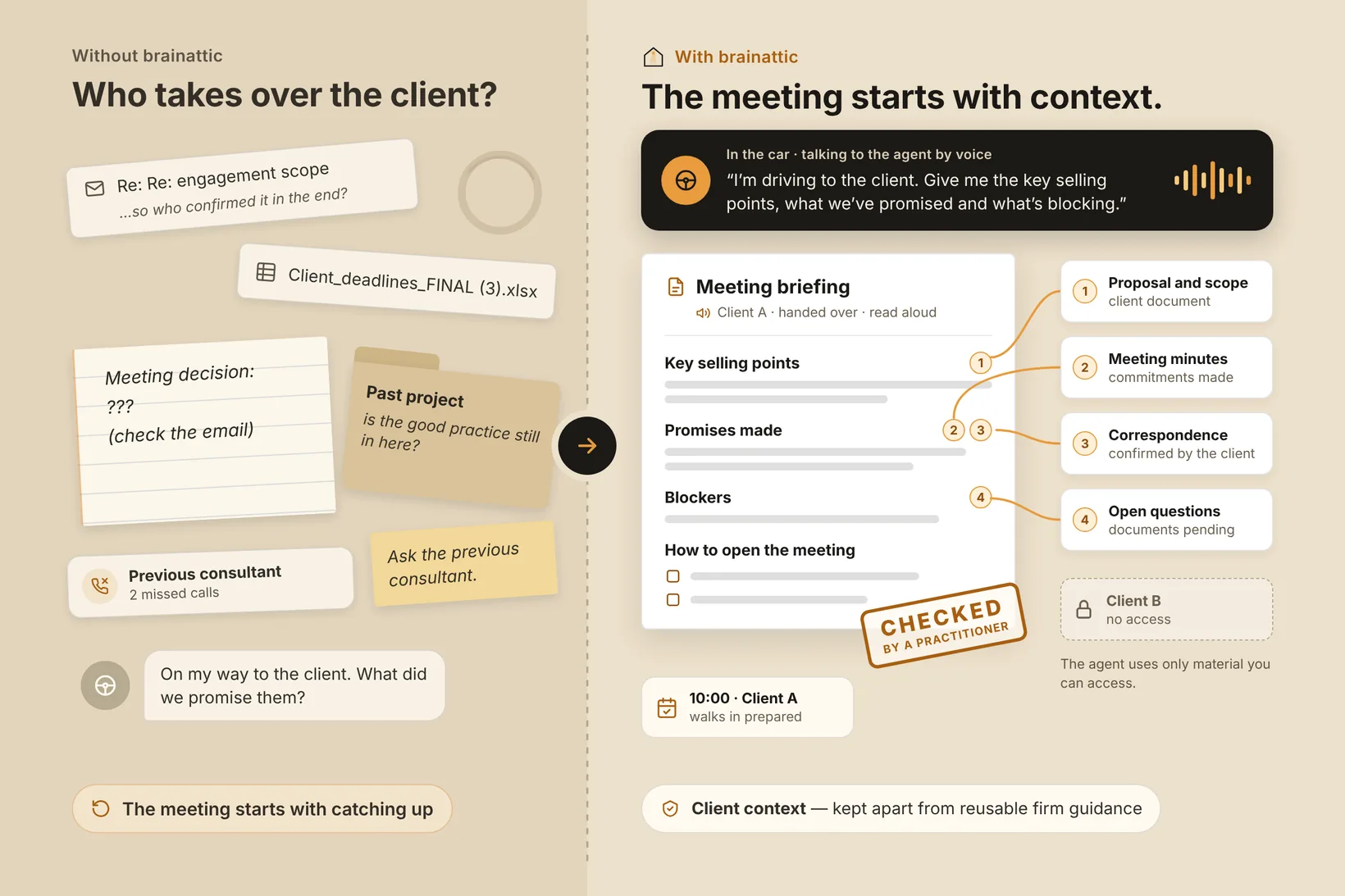
Preserve useful context across engagements
Client knowledge can be spread across handoff notes, approved correspondence, engagement documents, and individual memory. When a colleague changes roles or a new engagement begins, the team may have to recreate context or rewrite work it has already done. Reusable firm guidance can be just as hard to find as client-specific history.
brainattic provides a governed knowledge base where your team can organize authorized client context alongside reusable internal guidance. Teammates can search for a source passage in natural language. An MCP-connected AI agent can retrieve relevant material and help prepare a draft, while a practitioner checks whether the sources still apply to the current engagement.
Prepare a careful engagement handoff
For an active engagement, the team can keep approved scope notes, decisions, relevant correspondence, and firm procedures in clearly separated documents. A practitioner might ask:
- “Summarize the current scope, recorded decisions, and open questions for this engagement. Use only material I can access and show the source documents.”
- “File an internal handoff note with the confirmed next steps and questions the team still needs to resolve.”
A practitioner checks the facts and whether each source still applies before using the note. Review saved changes and restore an earlier version when needed.
Firm guidance with a practitioner in the loop
Your team decides who can access engagement knowledge and gives agents guidance for preparing internal work. A practitioner checks that sources are current and relevant before using a draft.
Keep client context and reusable firm guidance in documents intended for the workspace’s authorized users, with a clear source and owner for each.
Connect an AI client
See how AI clients connect, review the MCP overview and authentication guide, or open the public connection guide for the client-specific steps.
Talk with us about keeping your firm’s authorized working knowledge easier to find.